
Download Twin It! Virtual Museum – 3D museum, virtual heritage, cultural preservation, digital Europe, immersive history, EU cultural project
Overview
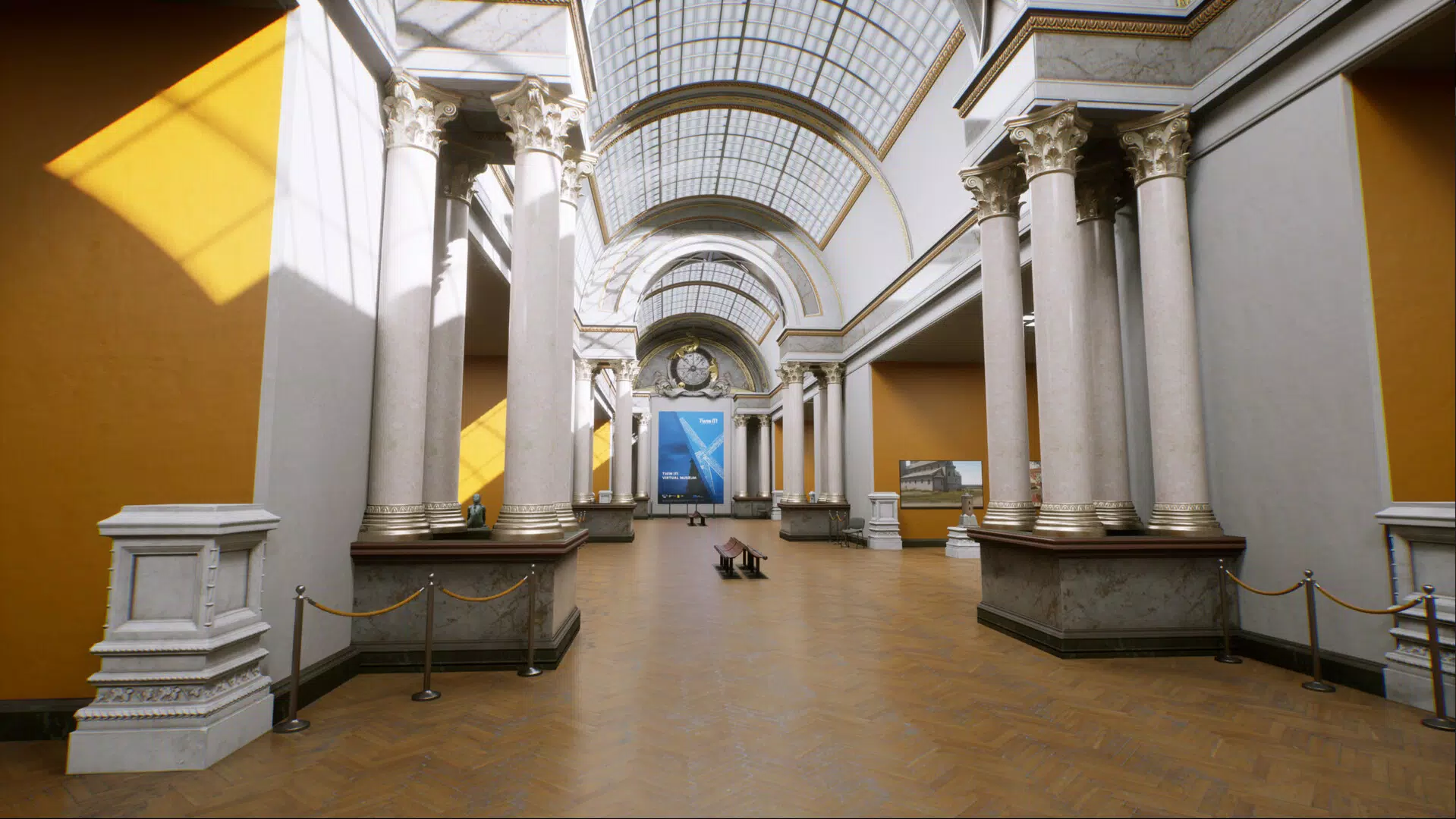
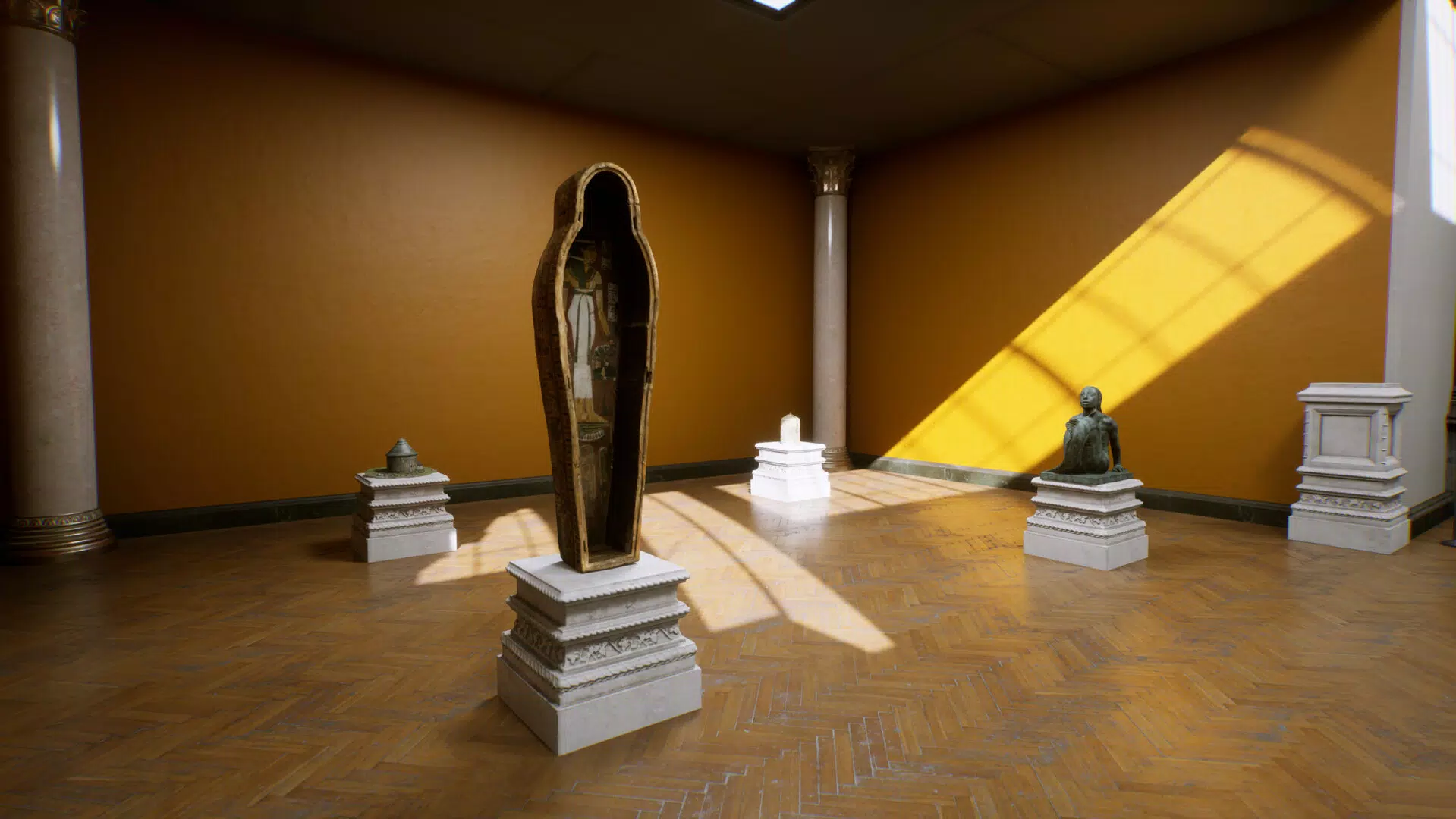
Twin It! Virtual Museum is a forward-thinking mobile application developed as part of a European Union initiative to preserve and promote cultural heritage through digital innovation. Designed to provide users with an accessible, immersive experience of historical monuments and cultural assets across Europe, the app leverages 3D digitisation technology to recreate real-world sites in a virtual environment. Its primary purpose is to democratise access to Europe’s rich historical legacy, enabling users from any location to explore significant cultural landmarks without physical travel. The app addresses the growing need for digital preservation in the face of environmental, political, and human-induced threats to physical heritage sites.
Target users include students, educators, history enthusiasts, and casual learners interested in European culture and history. By offering a platform that unites contributions from all EU Member States, Twin It! Virtual Museum fosters a deeper appreciation for the continent’s diverse cultural narratives.
The app plays a vital role in the broader digital cultural ecosystem by bridging traditional museum experiences with modern technology. It supports educational goals by transforming passive viewing into interactive exploration, making history more engaging and accessible. The integration with Europeana Foundation further strengthens its credibility and reach, connecting users to a larger digital archive of European heritage.
Key Features & Functionality
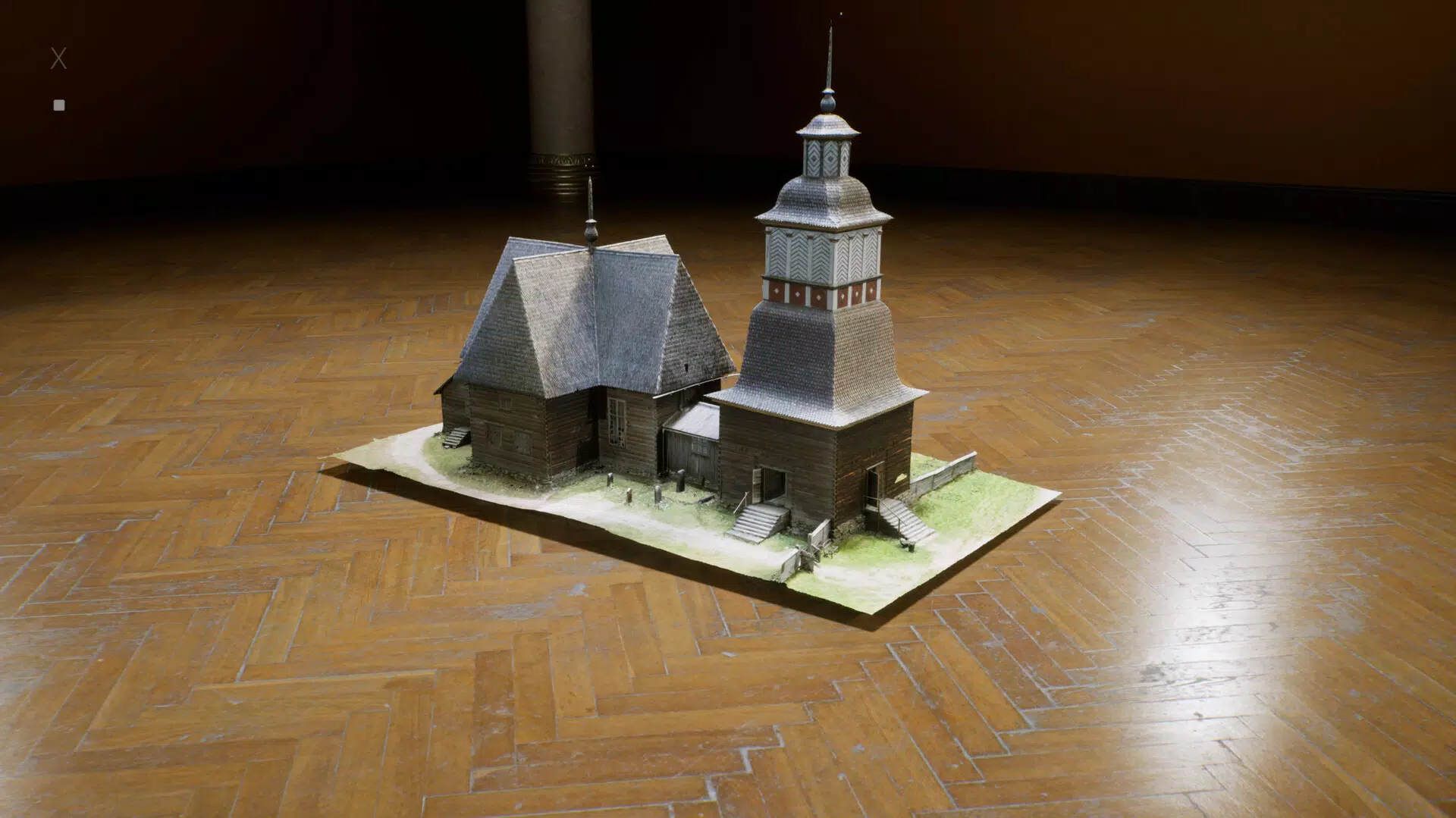
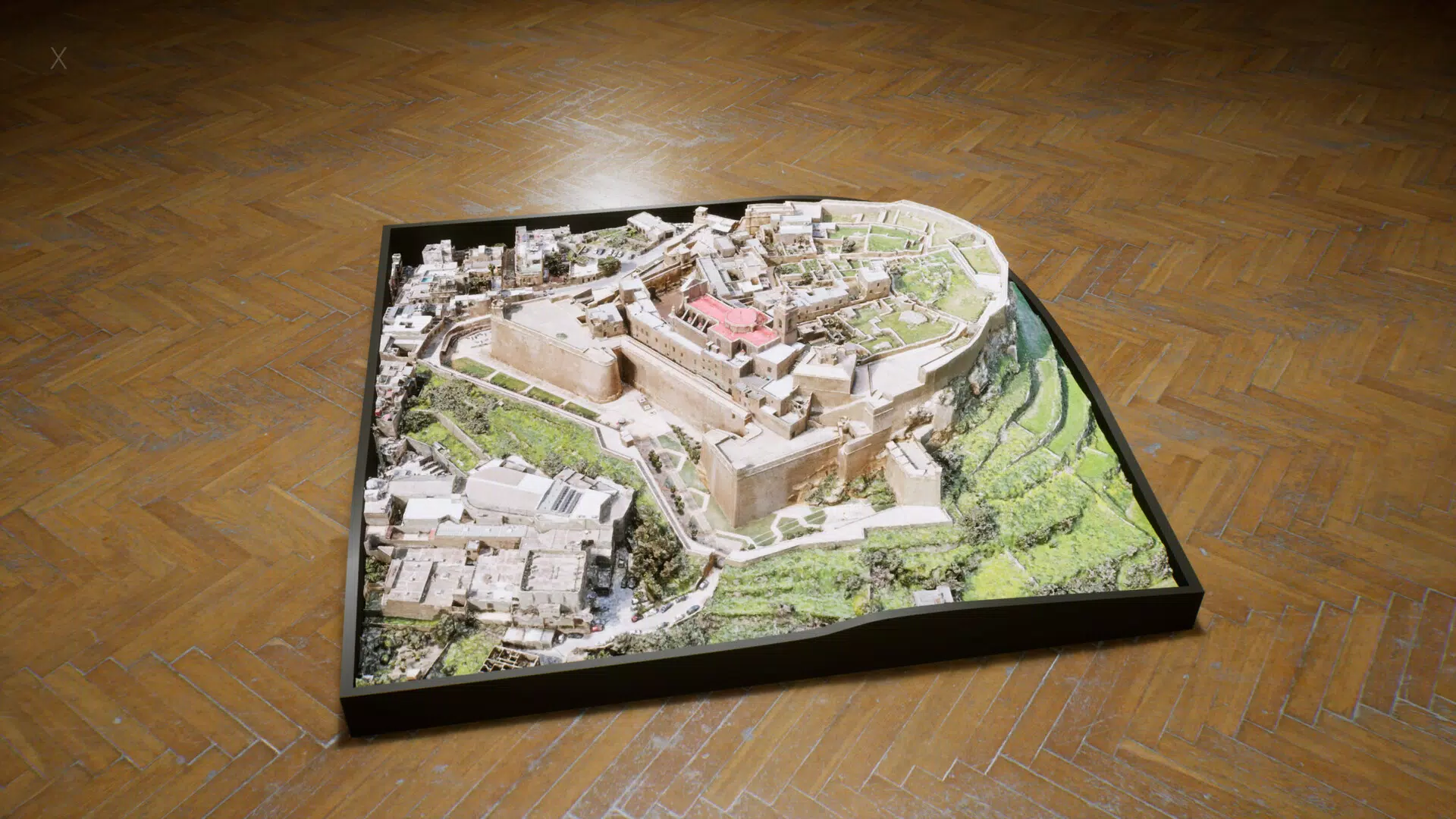
- Immersive 3D Experience: The app delivers lifelike 3D visualisations of historical monuments and cultural assets, allowing users to navigate and explore sites from multiple angles. This feature enhances spatial understanding and emotional connection to historical contexts.
- Diverse Cultural Assets: Exhibits are contributed by various EU Member States, showcasing a broad spectrum of historical periods, architectural styles, and cultural traditions across Europe.
- Educational Resources: Each exhibit is accompanied by contextual materials such as historical background, significance, and curatorial notes, making the app suitable for both informal learning and classroom use.
- User-Friendly Interface: The navigation is designed to be intuitive, with clear menus, responsive touch controls, and accessible information layers, ensuring usability across age groups and technical skill levels.
- Integration with Europeana: The app connects users to the Europeana Foundation’s digital library, enabling deeper exploration of related artifacts and exhibitions beyond the core collection.
For example, a student researching Roman architecture in Italy can explore a 3D model of a Roman amphitheatre, access timelines of its construction, and link to related archaeological findings via Europeana. Similarly, a teacher can use the app in a classroom setting to provide a virtual field trip to a medieval castle in Germany, enhancing student engagement through interactive content.
Interface, UX & Performance
The user interface of Twin It! Virtual Museum is clean, modern, and focused on usability. The layout prioritises content visibility, with well-organised galleries, search functions, and exhibit cards that display key information at a glance. Navigation is intuitive, relying on touch gestures such as swipe, pinch, and tap to rotate, zoom, and select exhibits. The visual style is minimalist yet rich in detail, ensuring that 3D models remain the focal point without interface clutter.
Although the developer did not list formal performance metrics, the app’s 100 MB file size suggests optimisation for efficient loading and storage. Users can expect responsive interactions on mid-to-high-end Android devices, with smooth transitions between exhibits. Stability appears to be a priority, given the app’s focus on educational content and user retention. The app maintains consistent performance during extended sessions, though actual experience may vary depending on device hardware and network conditions.
Platform Compatibility & Technical Requirements
Twin It! Virtual Museum is available exclusively on the Android platform. The current version is 1.0.0, with a file size of 100 MB. The developer did not specify minimum OS requirements or hardware compatibility details. However, the app’s size and focus on 3D rendering suggest it is designed for devices with capable graphics processors and sufficient RAM to support immersive visual experiences.
Users should ensure their Android device meets standard requirements for running 3D-based applications. While specific compatibility information was not disclosed, the app is likely to perform best on devices released in the last four years. It is recommended to check for updates through the Google Play Store to maintain optimal functionality and access to new exhibits.
Pros and Cons
- Free to download and use, making it accessible to a broad audience
- Offers immersive 3D exploration of real European cultural heritage sites
- Provides educational content that enhances historical understanding
- Integrates with Europeana, expanding access to a wider digital archive
- Designed with an intuitive interface suitable for diverse user groups
- Platform availability limited to Android only
- Specific device or OS requirements were not listed
- May require a stable internet connection for full 3D experience
- Content is limited to contributions from EU Member States
- First version (1.0.0) may lack advanced personalisation or offline functionality
FAQ
Is Twin It! Virtual Museum available for iOS?
The app is currently available only on Android. There is no information about future iOS availability.
Can I use the app offline?
The developer did not specify whether offline access is supported. Users may need an internet connection to load 3D models and access full content.
How often is the app updated?
Updates are likely to occur as new cultural assets are added. The latest version is 1.0.0, released on 2024-09-06.
Is the app safe to download?
As a free app developed under an EU cultural initiative, Twin It! Virtual Museum is considered secure. It is recommended to download only from official sources such as the Google Play Store.
Can I contribute cultural assets to the museum?
The app invites contributions from EU Member States, but individual user submissions are not confirmed. For contribution inquiries, users should contact the official Twin It! Virtual Museum team via the developer’s provided channels.
Final Thoughts
Twin It! Virtual Museum represents a significant step forward in digital cultural preservation, combining cutting-edge 3D technology with educational value. Its mission to make Europe’s heritage accessible to all aligns with modern demands for inclusive, tech-driven learning. The app excels in delivering an engaging, informative experience that benefits students, educators, and history lovers alike. While its Android-only availability and lack of detailed system requirements are limitations, the app’s free model and integration with Europeana add substantial value.
For anyone interested in immersive history, cultural diversity, or digital Europe’s future, this app offers a meaningful and enriching experience. It stands as a testament to how technology can preserve the past while inspiring future generations.
Download Twin It! Virtual Museum now


